Screenshots
This page contains various screenshots of the plugin. The screenshots shown here do not cover the full depth of the plugin's functionality, but they should give you a good first impression of the plugin and its features.
Screenshots not indicative of all features
The screenshots shown show the base features of this plugin. They might not cover all available filters or actions, and they do not show any custom filters or actions that might be available on your site. Please check the respective documentation for details on the available filters and actions.
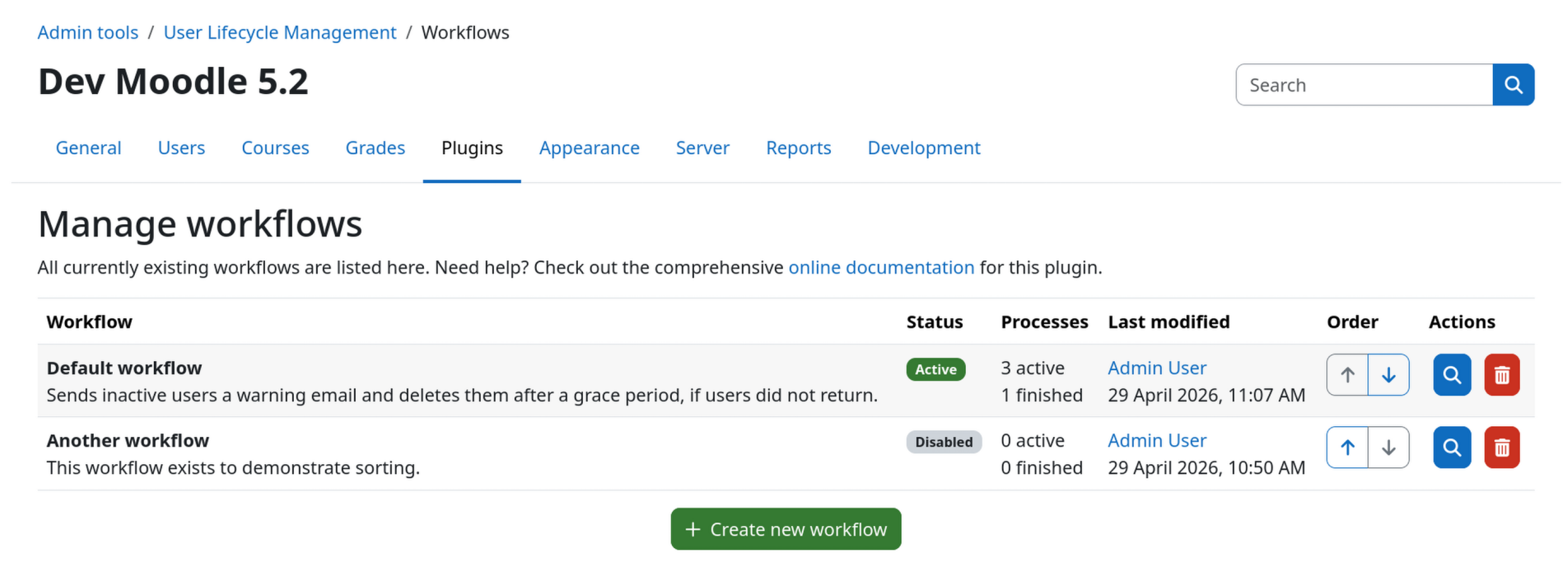
Workflows overview page
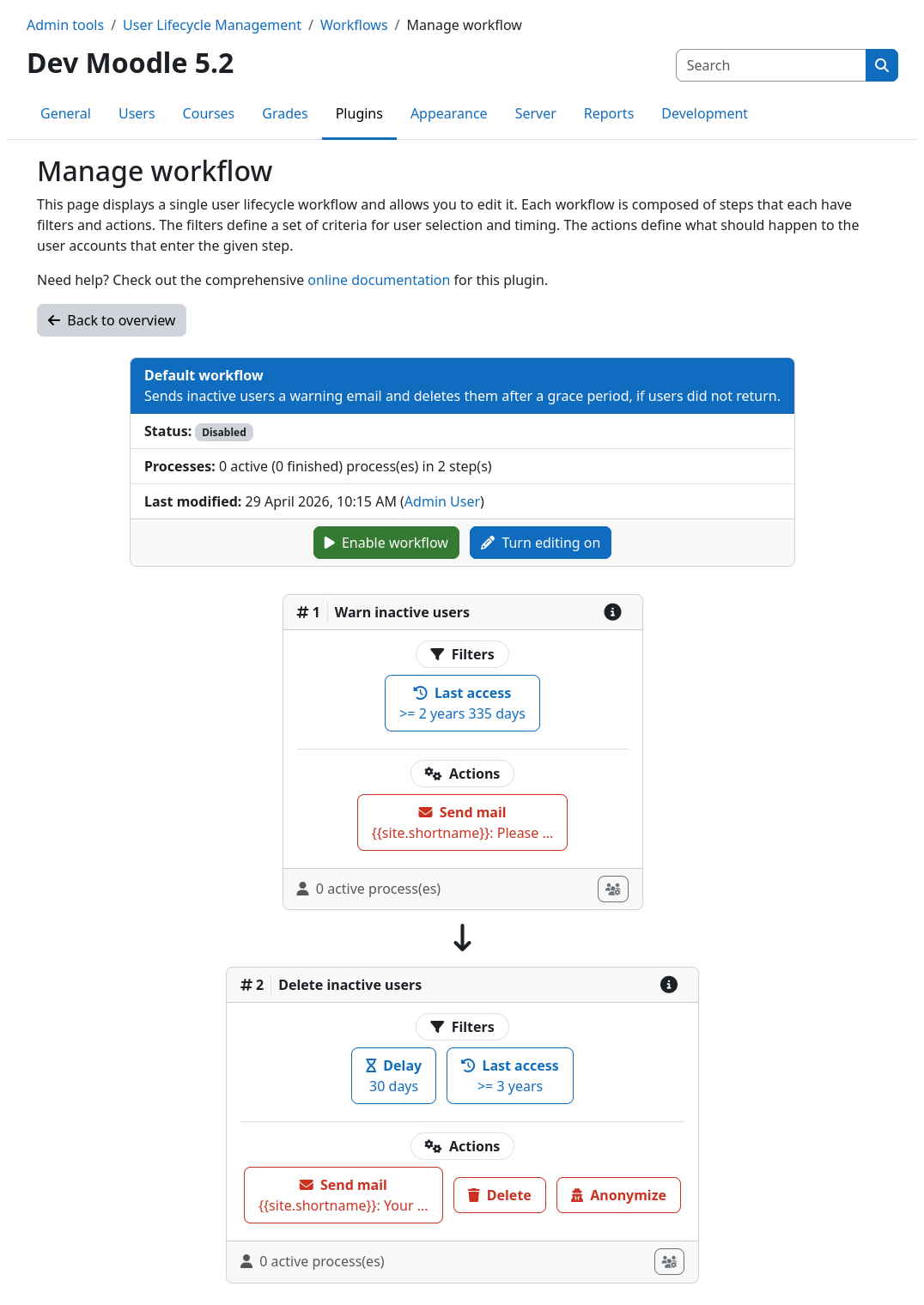
Definition of a single workflow
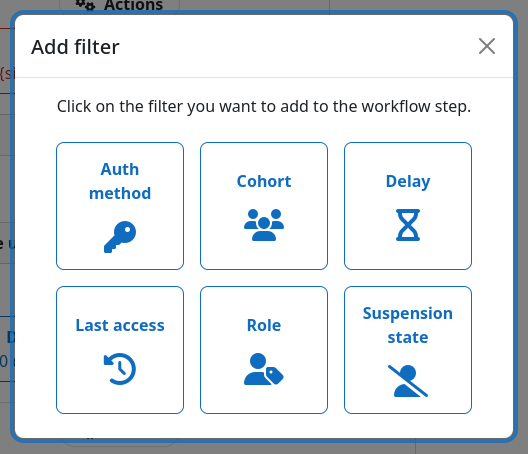
Adding a new filter to a workflow step
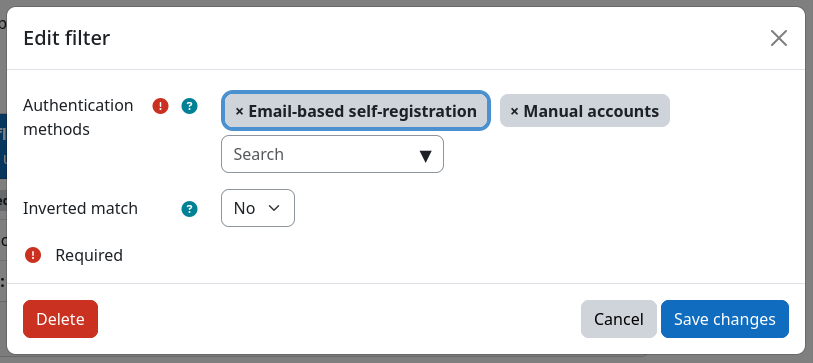
Editing a filter instance
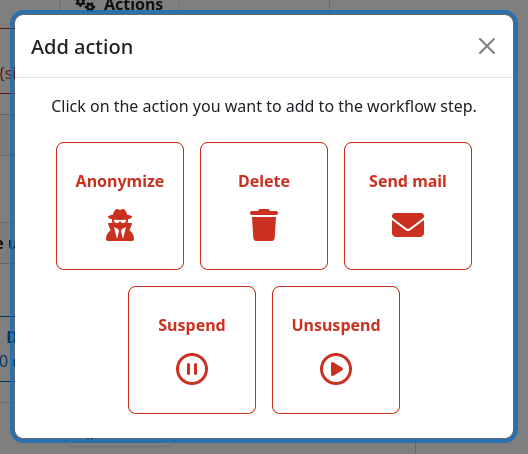
Adding a new action to a workflow step
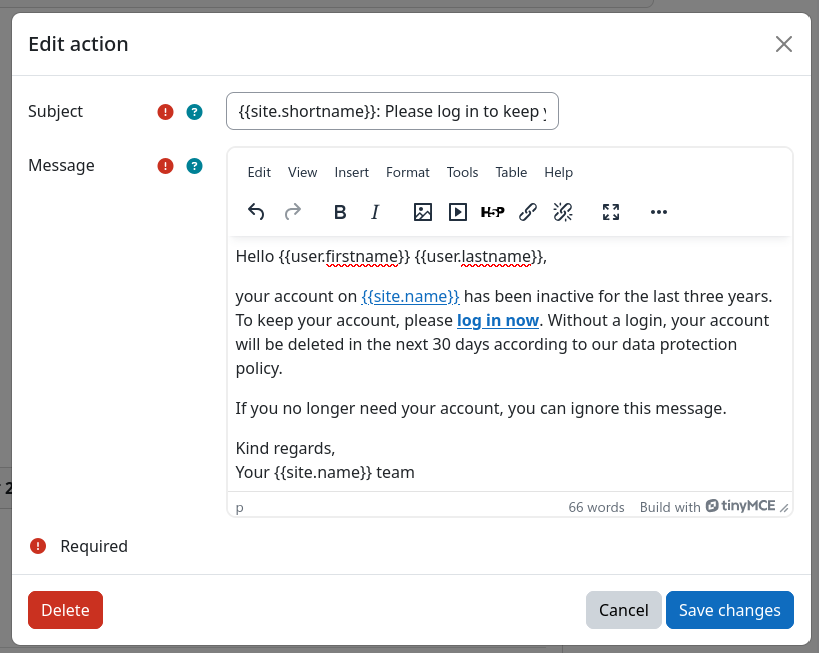
Editing an action instance
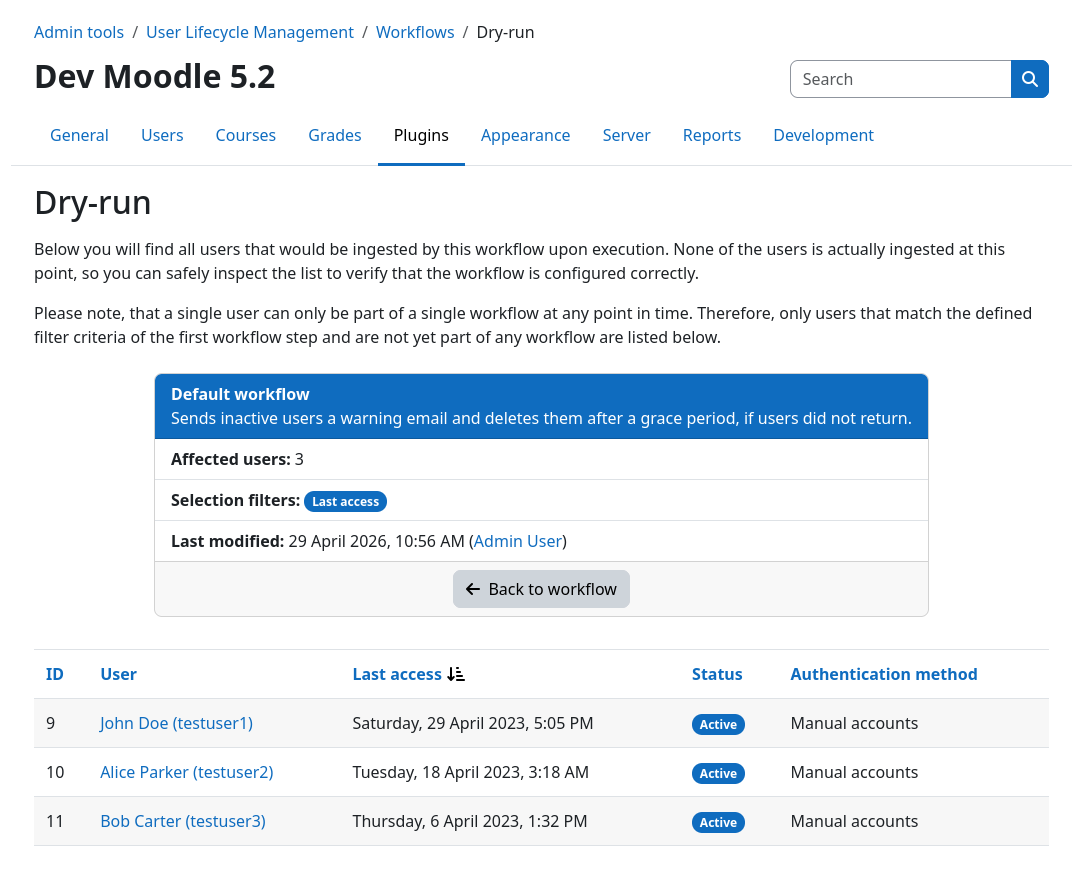
Performing a dry-run for a workflow
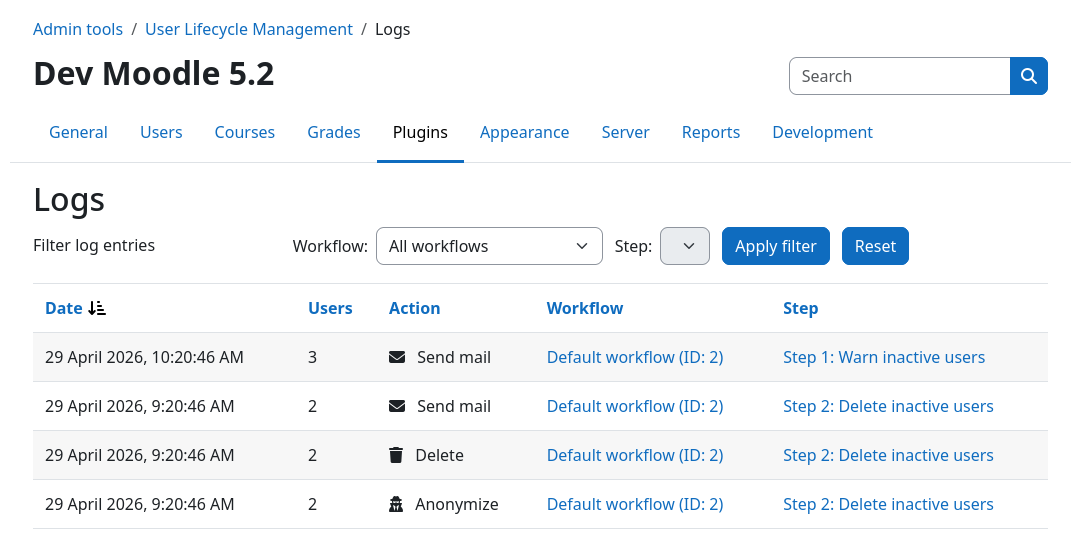
Inspecting the action log