Filter: Time Delay
The time delay filter allows you to delay transitions between workflow steps by requiring that a user process has already spent a minimum amount of time in the previous step. This is useful if you want to enforce waiting periods before executing follow-up actions, e.g., when sending the user a warning email and waiting for a response before taking further actions.
Do not use in first step of a workflow
The time delay filter checks how much time a user process has already spent in the previous step. Therefore it will never select any users for ingestion into the workflows first step, as there is no previous step for the user processes to spend time in.
If you want to check how long a user has been inactive on your Moodle site before ingesting them into the workflow, please use the last access filter instead!
Settings
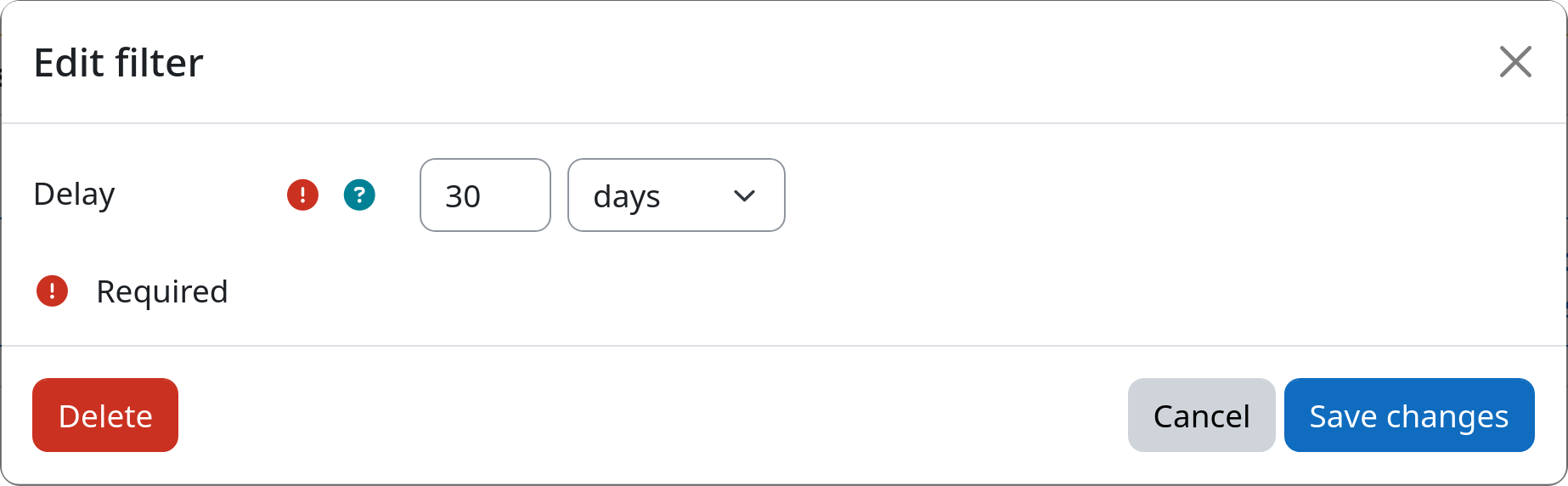
Delay
Defines the minimum amount of time a user process has to stay in the previous step before it is allowed to transition to the step this filter is part of.
Example