Filter: Last Access
The last access filter allows you to select users based on how long they have been inactive on your Moodle site. It is useful for identifying accounts that have not been used for a defined period of time and should be deleted or suspended.
For users that have logged in before, the filter checks their last access timestamp. Therefore, activity does not require a user to log in recently but also counts for active sessions. For users that have only registered but never logged in, the account creation date is used instead.
Settings
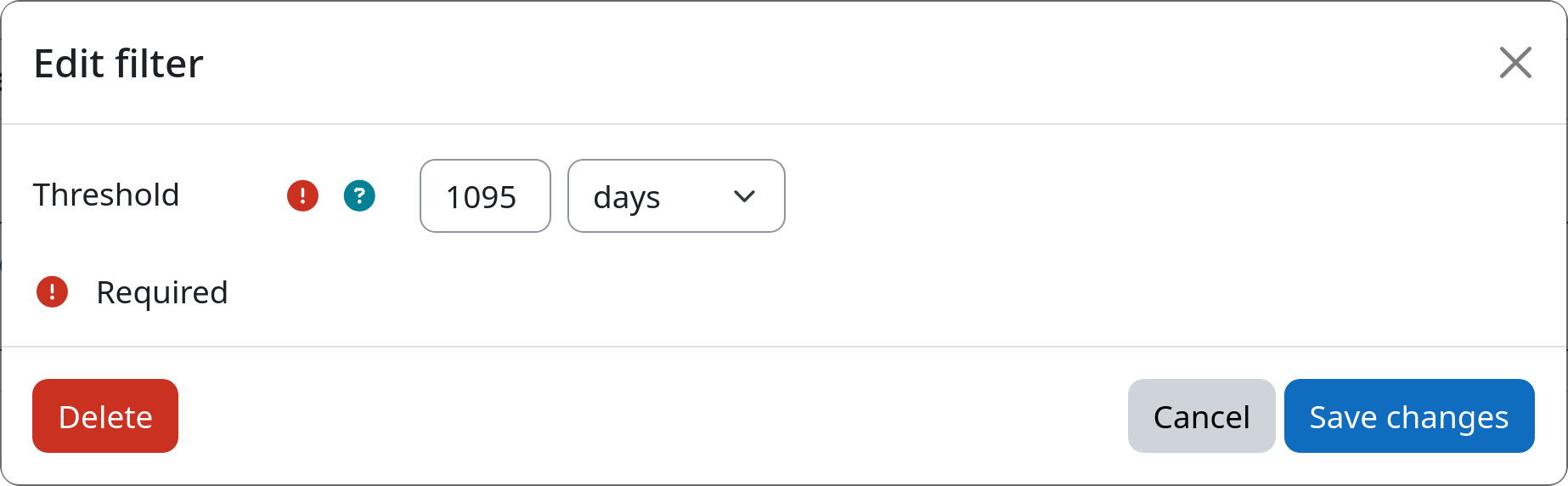
Threshold
Defines how long a user has to be inactive (no site visit / login) before the user is selected by this filter.
Example