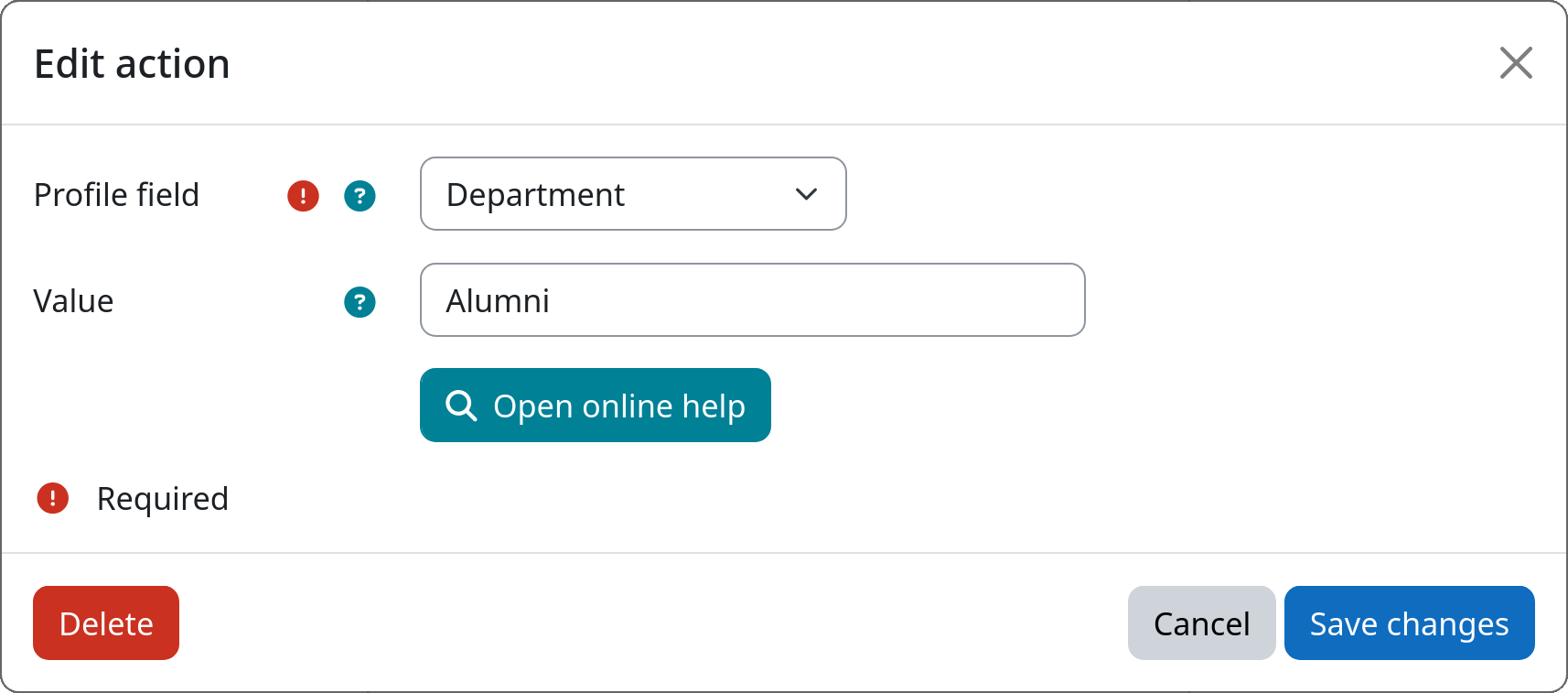
Action: Set Profile Field
This action sets a user profile field to a configured value when a user enters a workflow step. This is useful for marking, categorizing, or clearing user data as part of a lifecycle workflow — for example, clearing the department field when a user is offboarded, or stamping an ID number field with a fixed value. Both standard Moodle user fields and custom profile fields are supported.
Risk of data loss
Setting or clearing profile field values is irreversible and will permanently replace the existing data within the targeted user account.
Username and email address cannot be changed
Unconditionally altering the username or email address of a user account can have severe consequences and cause unintended behavior. Therefore, the username and email address fields are not available for selection in this action.
Settings
Profile field
Select the profile field whose value should be set. The following standard Moodle user fields are available:
- First name
- Last name
- ID number
- Department
- Institution
- City / Town
- Country
All custom profile fields defined on the site are listed below the standard fields.
Value
Enter the value to set the selected profile field to. Leave the field empty to clear the profile field value.
Example