Action: Delete Badges
The delete badges action removes all badges that were awarded to a user, including related award and backpack data.
Moodle's internal user deletion procedure (delete_user()) does not remove issued badges. Without this action, badge
records of deleted users remain in the database and public badge pages of these users stay reachable, still showing the
name of the former recipient.
Risk of data loss
Deleting badges is irreversible. Awarded badges can no longer be verified via their public badge page afterward.
How it works
This action uses the privacy provider of Moodle's badges subsystem (core_badges) to remove the following data of the
user:
- Issued badges (
badge_issued) - Manual badge awards (
badge_manual_award) - Met badge criteria (
badge_criteria_met) - Connected backpacks and their external badge collections (
badge_backpack,badge_external)
In addition, baked badge images stored inside the user context are deleted.
The action works both for existing users and for users that were already deleted by a preceding delete user action. A typical final workflow step therefore consists of the actions delete user, delete badges, and anonymize user.
Badges can be re-awarded to active users
If this action is used for users that are not deleted afterward, Moodle may award badges again once the user meets the badge criteria anew.
Badges that a user already pushed to an external backpack (e.g., Badgr or Canvas Credentials) are stored outside of Moodle and cannot be removed by this action.
Settings
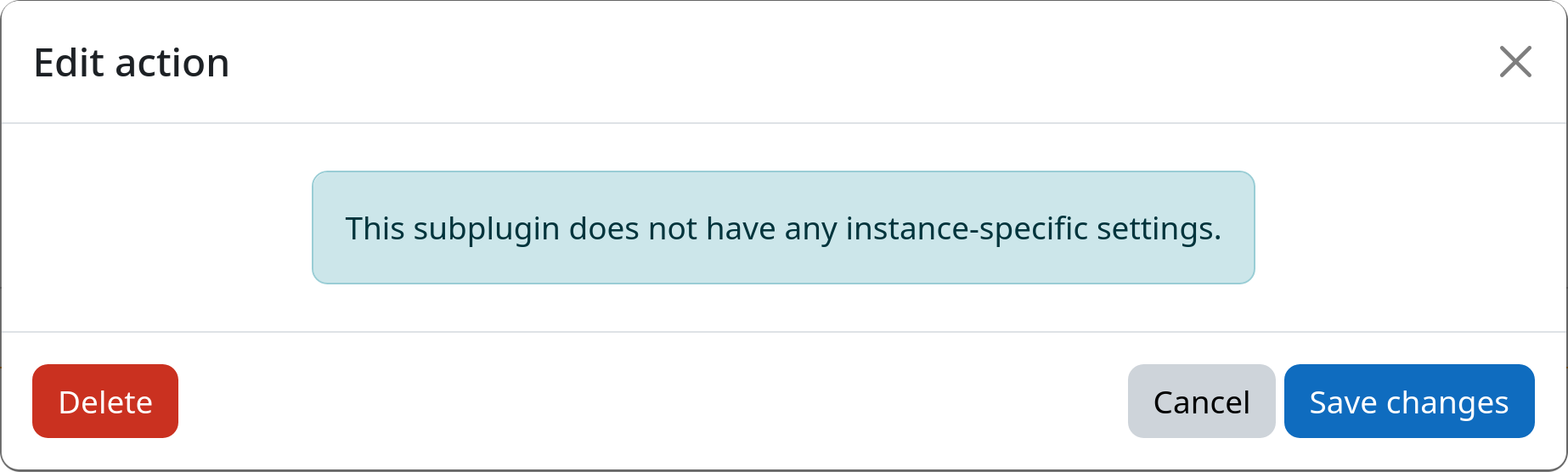
This action has no configurable settings.
Example